
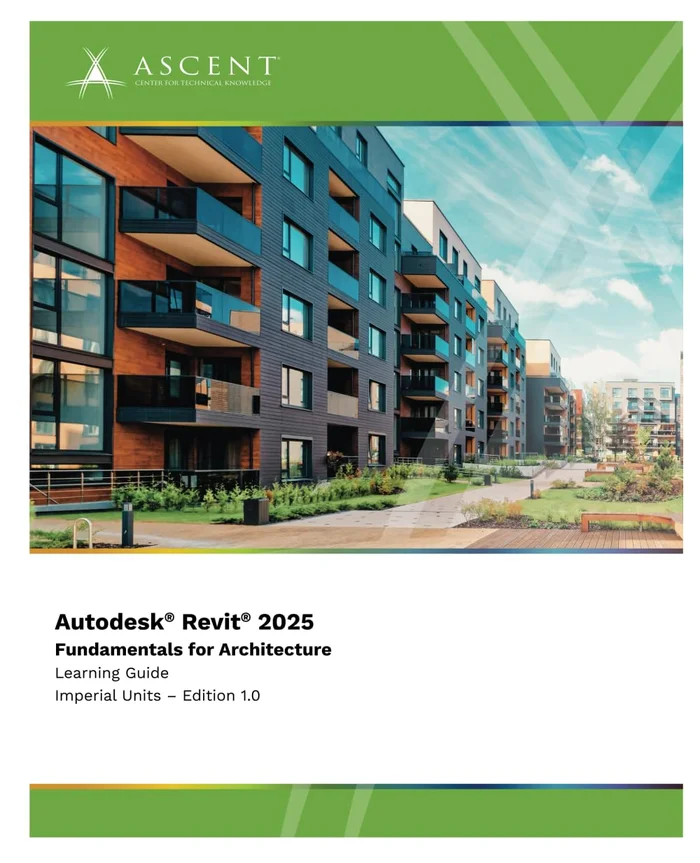
Description
Understanding the purpose of BIM and how it is applied in the Autodesk Revit software.
Navigating the Revit workspace and interface.
Selecting a template and linking CAD and Revit files as the basis of a project.
Creating levels and grids as datum elements for the model.
Understanding the Project Browser and working with views.
Understanding Revit families and components.
Working with the basic sketching and modifying tools.
Creating a 3D building model with columns, walls, curtain walls, windows, and doors.
Adding floors, ceilings, and roofs to the building model.
Modeling stairs, railings, and ramps.
Setting up sheets for plotting with text, dimensions, details, tags, and schedules.
Creating details.



Reviews
There are no reviews yet.